

چۈشەندۈرۈش
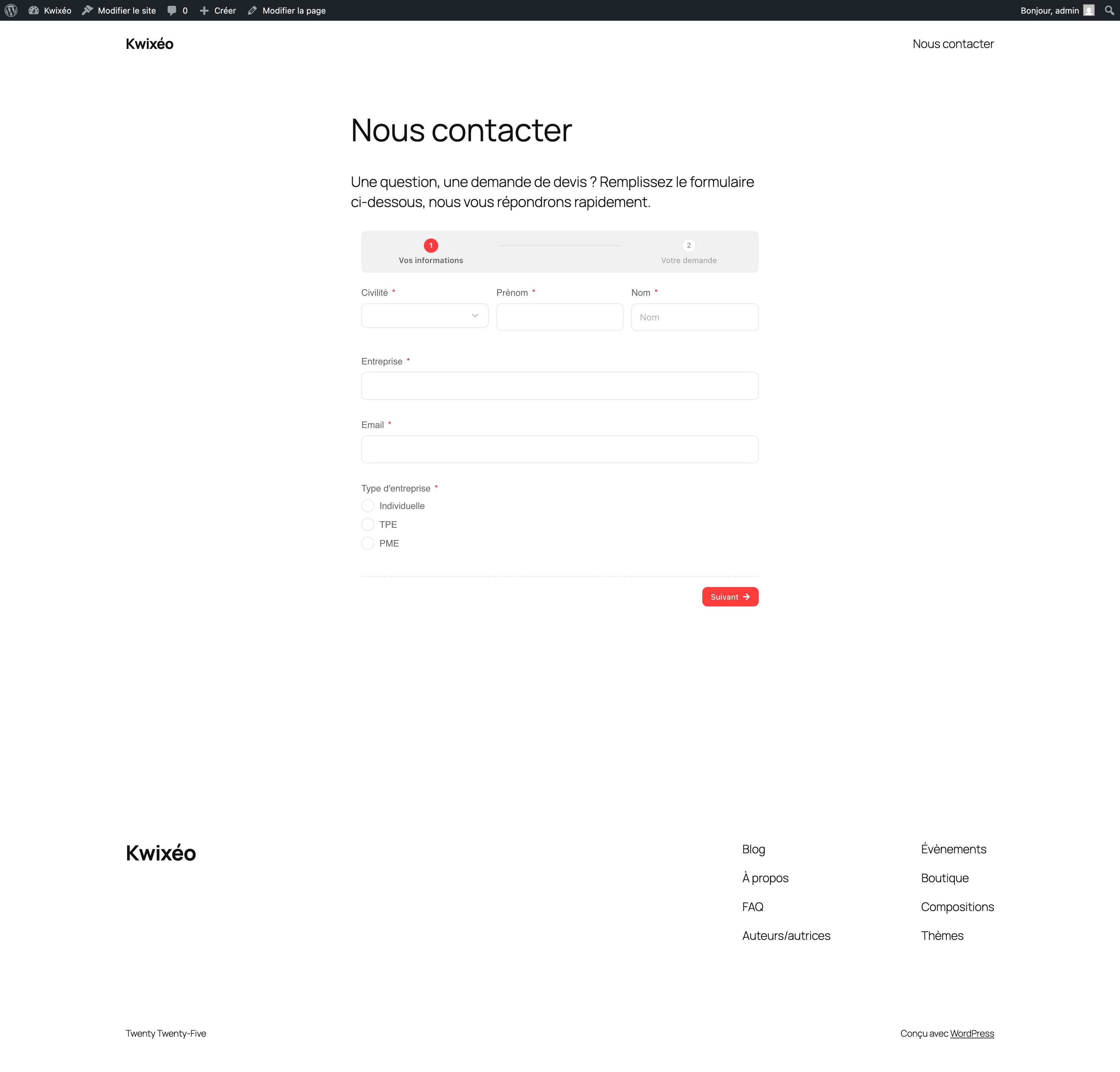
Kwixeo Forms displays public Kwixeo forms in any WordPress page or post with a shortcode.
The plugin does not reimplement the form: it reuses the public Kwixeo runtime.
The shortcode loads the embed.js script from your instance and adds a container;
embed.js then creates a self-resizing iframe based on the form content.
The public Kwixeo application remains the single source of truth.
How it works
- Add the
[kwixeo_form slug="..."]shortcode to a page or post. - The
embed.jsscript is loaded withwp_enqueue_script, so WordPress does not filter or break it. - The iframe automatically adapts to the form height with postMessage.
- No form data passes through WordPress: submissions are sent directly to Kwixeo.
External services
This plugin relies on the Kwixeo service to display forms.
When a page containing the shortcode is viewed, the visitor’s browser:
- loads the
embed.jsscript from your Kwixeo instance,https://public.kwixeo.frby default; - displays the form in an iframe served by the same instance;
- sends form submissions directly to Kwixeo.
The data entered in the form is therefore processed by Kwixeo, not by WordPress.
Kwixeo terms of service:
https://www.kwixeo.fr/conditions-generales-utilisation/
Kwixeo security and privacy information:
https://www.kwixeo.fr/securite-confidentialite/
ئېكران كەسمىسى
ئورنىتىش
- Copy the plugin folder to
wp-content/plugins/. - Activate Kwixeo Forms from the Plugins screen in the WordPress admin.
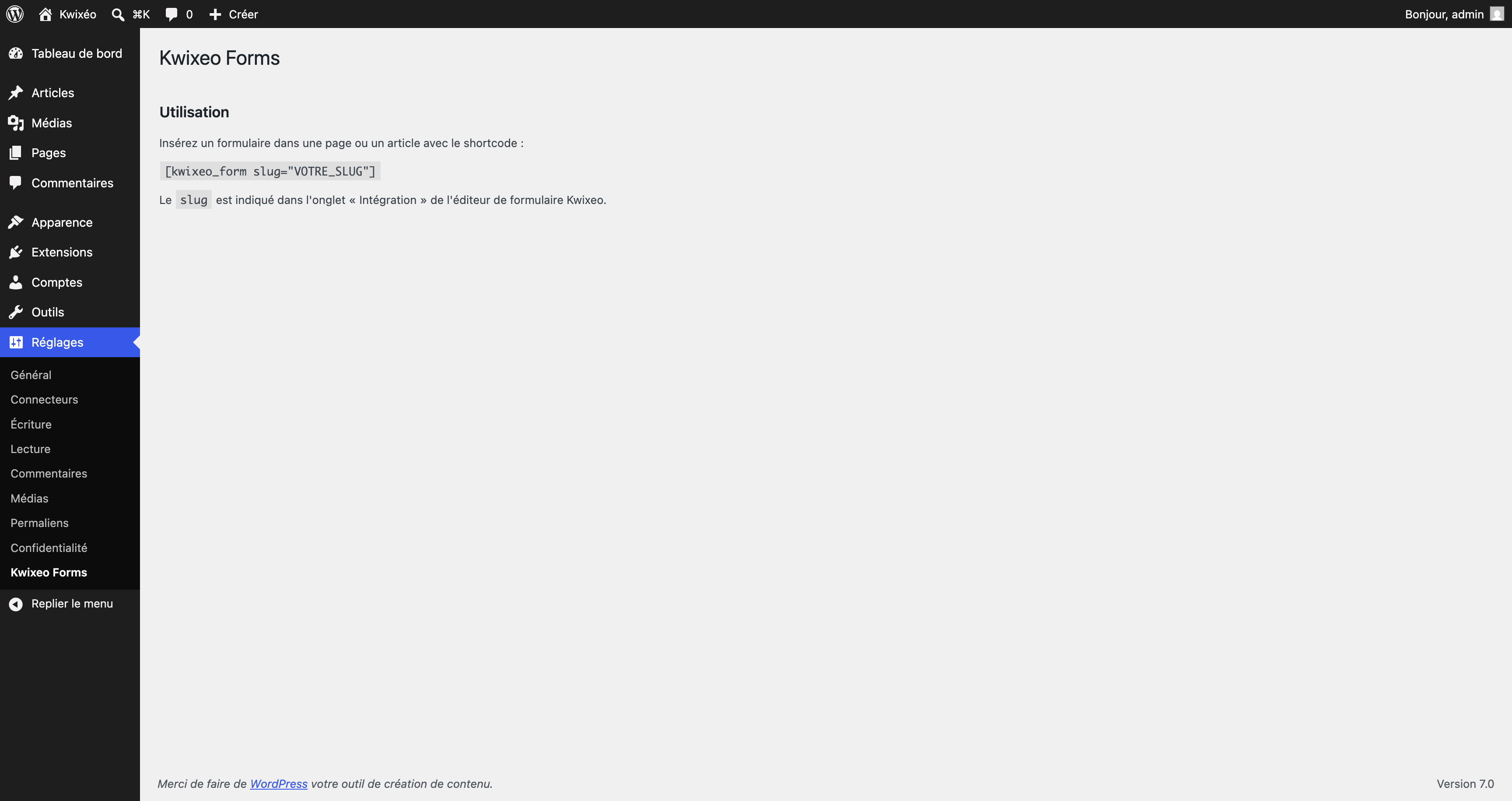
- Optional: go to Settings Kwixeo Forms.
To display a form, add the shortcode to a page or post:
[kwixeo_form slug="YOUR_SLUG"]
The slug is shown in the Integration tab of the Kwixeo form editor.
FAQ
-
Where can I find my form slug?
-
In the Kwixeo form editor, open the Integration tab. The slug is the identifier
to pass to the shortcodeslugattribute. -
The form is not displayed. What should I check?
-
Make sure the
slugis correct and that the form is published in Kwixeo.
Also check that your WordPress site domain is listed among the allowed domains
for embedding the form in the Kwixeo form settings. -
Can I use a different Kwixeo instance?
-
The instance URL is fixed to the official instance in production. It can only be
changed in a development environment from Settings Kwixeo Forms. -
Does the plugin store personal data?
-
No. WordPress does not process or store any form data. Submissions are sent
directly to Kwixeo by the iframe.
باھالاشلار
بۇ قىستۇرمىغا تېخى باھا يېزىلمىدى.
تۆھپىكار ۋە ئىجادكار
«Kwixeo Forms» كودى ئوچۇق يۇمشاق دېتال. تۆۋەندىكى كىشىلەر بۇ قىستۇرمىغا تۆھپە قوشقان.
تۆھپىكار
«Kwixeo Forms» نى تىلىڭىزغا تەرجىمە قىلىڭ
ئىجادىيەتكە قىزىقامسىز؟
كودقا كۆز يۈگۈرتۈپ، SVN خەزىنە تەكشۈرۈپ ياكى RSSئارقىلىق ئىجادىيەت خاتىرىسىگە مۇشتەرى بولغىلى بولىدۇ.
ئۆزگىرىش خاتىرىسى
1.0.0
- Initial release:
[kwixeo_form]shortcode, settings page, and Settings link on the Plugins screen.