

چۈشەندۈرۈش
Manual link building is a thing of the past!
With our Internal Links Manager plugin, you can take your SEO performance to the next level. The plugin automatically optimizes your internal linking, strengthening your link juice and improving both your on-page SEO and the user experience of your website.
Show Google your website structure – and guide your visitors specifically through your content at the same time. This way, you achieve better rankings and more visibility – without any technical effort.
The most important features at a glance:
- Automated internal linking with precise fine-tuning (blacklist, keyword variants, HTML exclusions)
- Import & Export for efficient bulk processing
- Selective linking of individual words or phrases
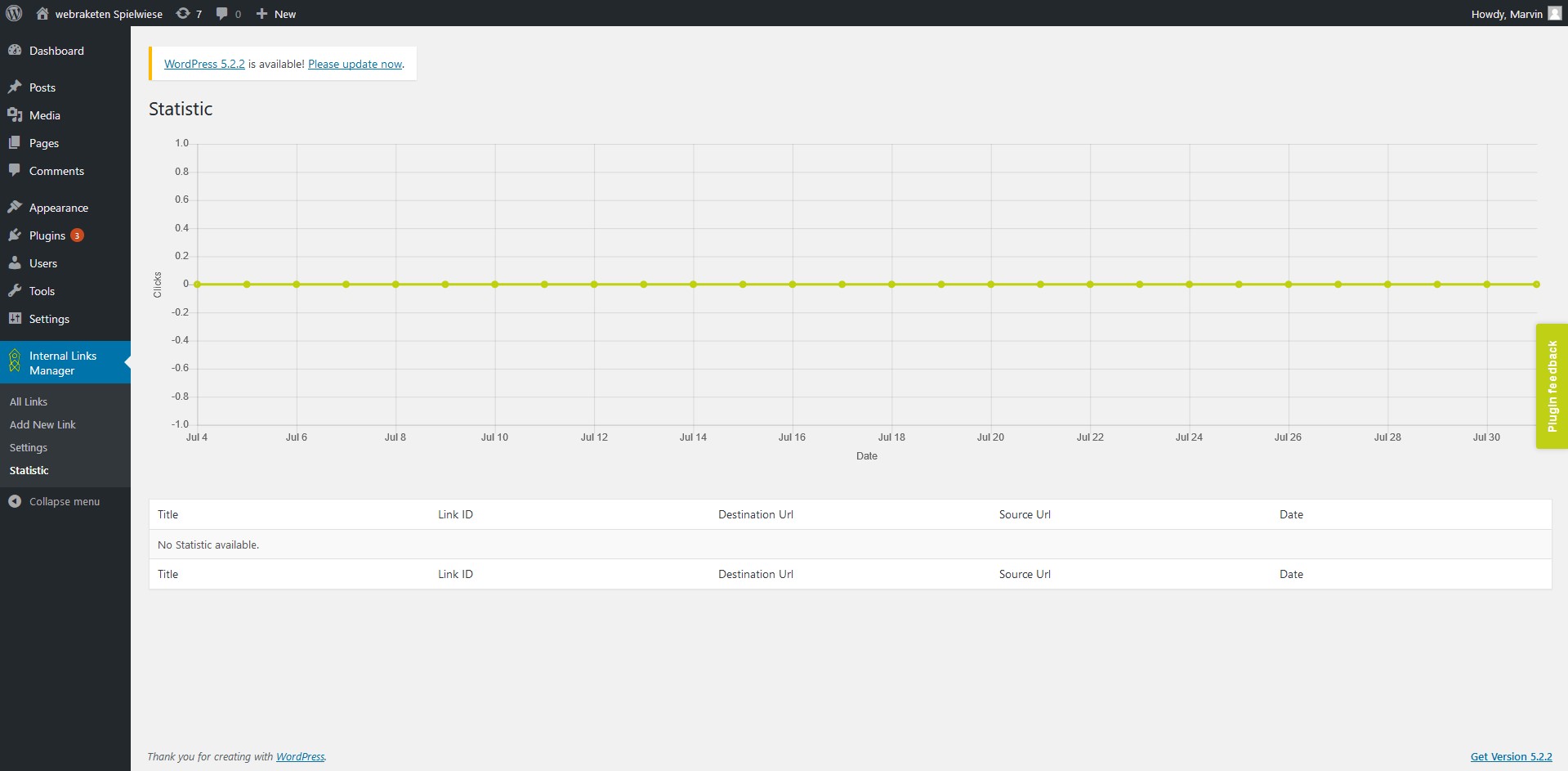
- Statistics & Analytics – analyze click numbers and optimize your link strategy
Start directly for free with the Basic version
Our free Basic version already provides you with the perfect tool for automated linking – you don’t need any technical know-how.
If you want even more control, the Pro version offers additional features such as WooCommerce & ACF support, Caching for maximum performance, and Prioritized email support.
ئېكران كەسمىسى
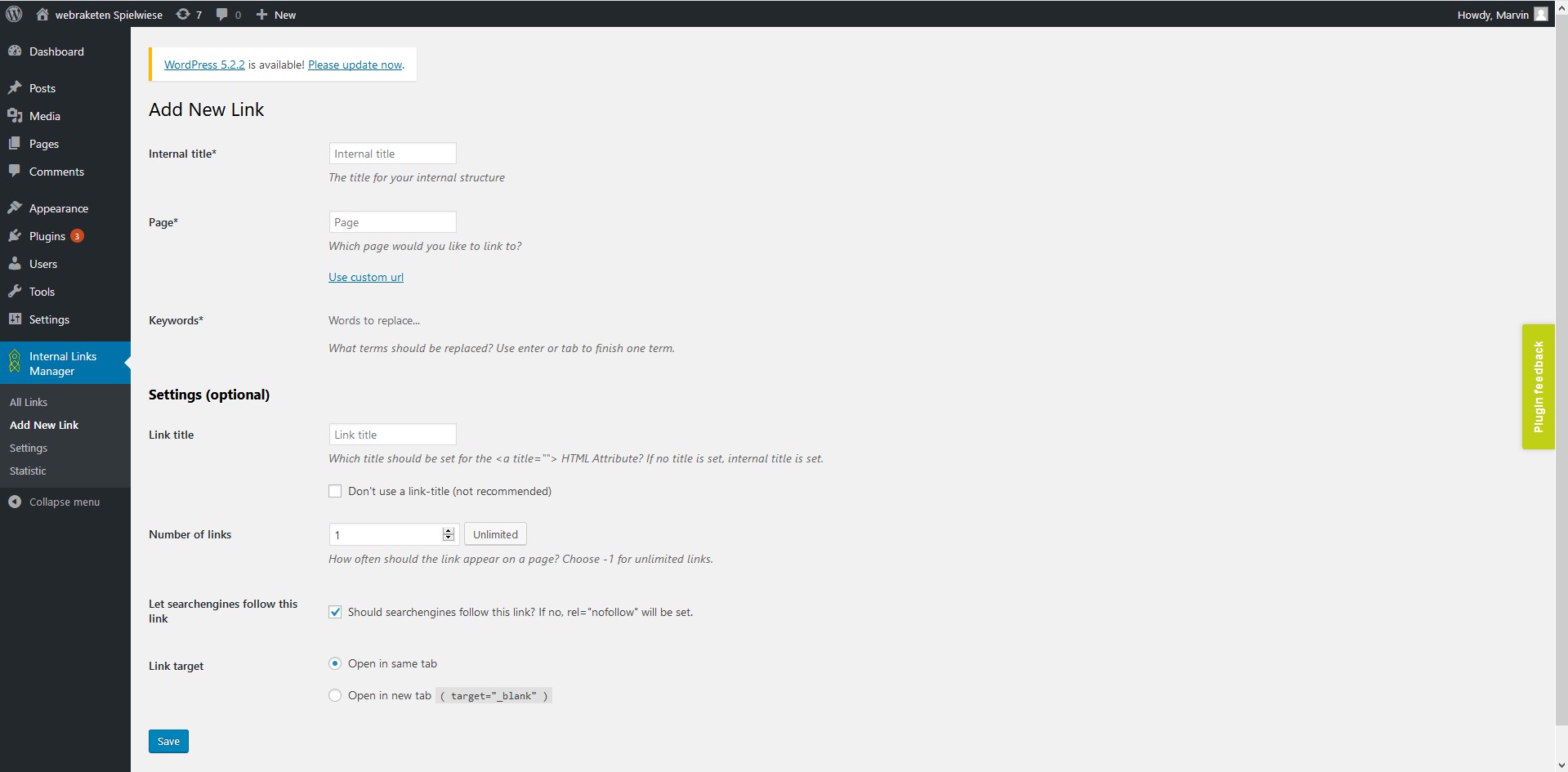
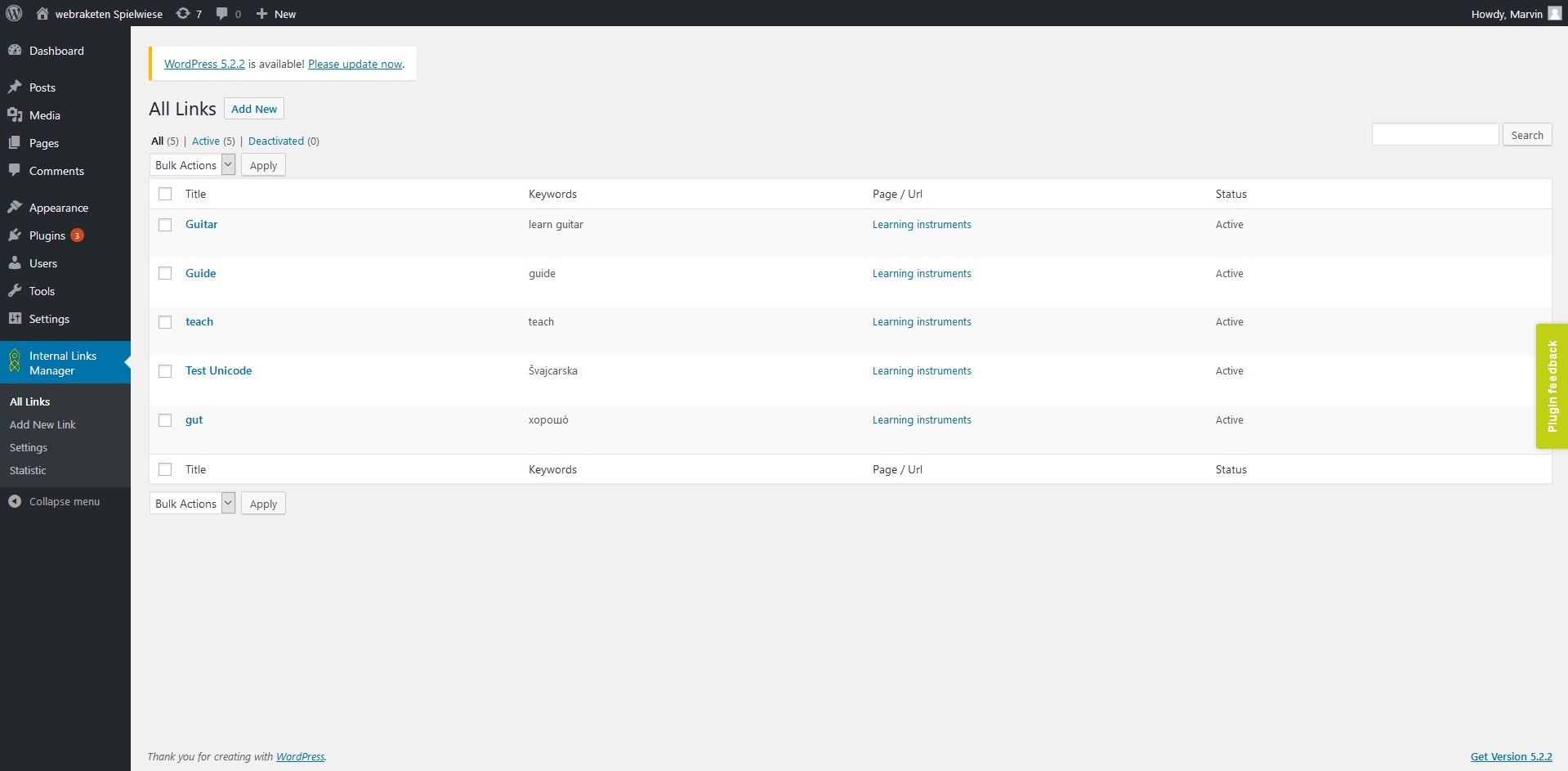
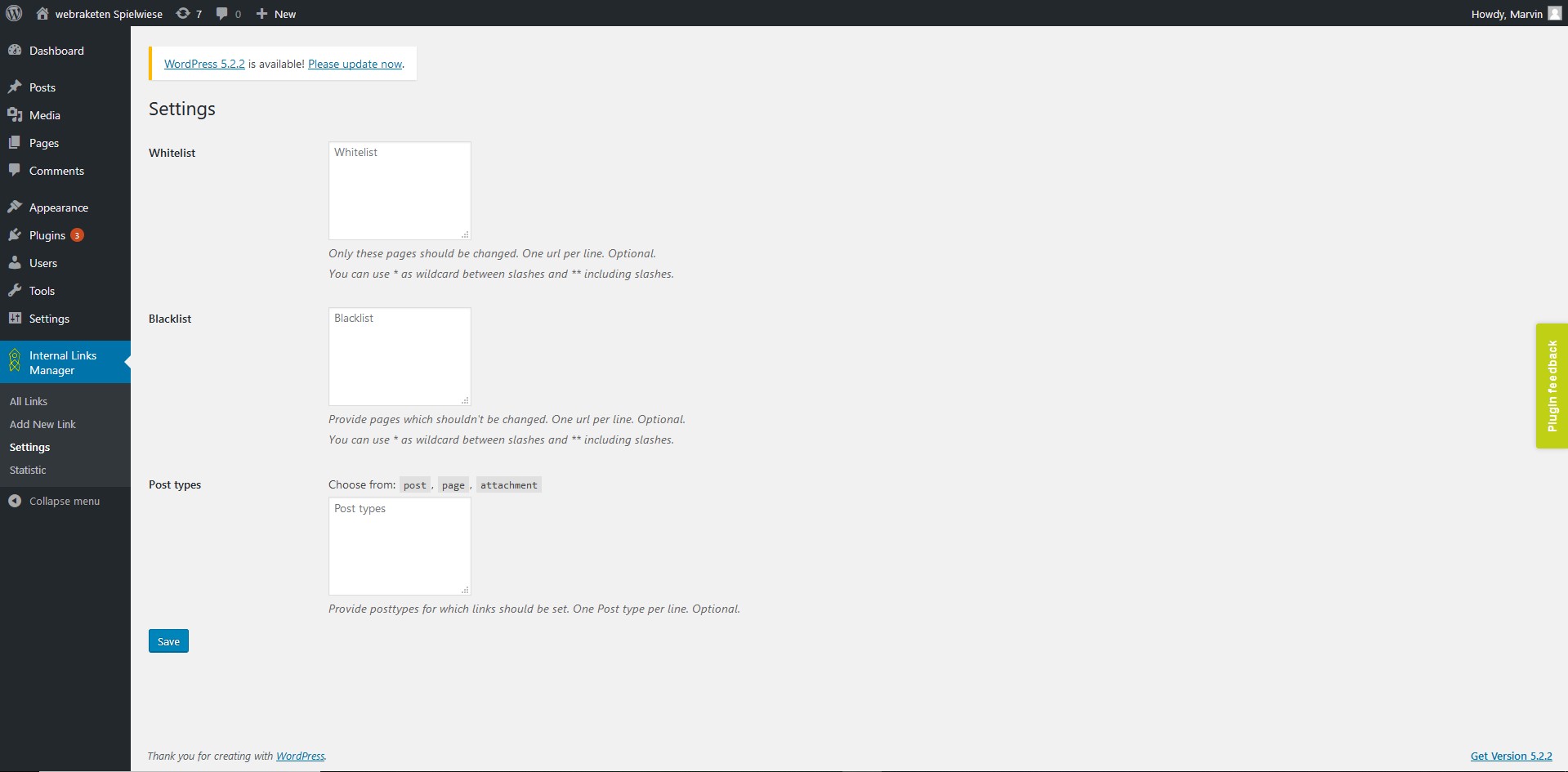
ئورنىتىش
No technical know-how is required for the installation. Here’s how to install the plugin:
- Download the plugin: Start by downloading the Internal Links Manager plugin here: https://wordpress.org/plugins/seo-automated-link-building/
- Open the WordPress dashboard: Next, log in to your WordPress admin area. Go to the “Plugins” menu item in the left sidebar.
- Upload the plugin: Click “Add Plugin” at the top of the plugin page. Then select the “Upload Plugin” option. Upload the previously downloaded ZIP file of the Internal Links Manager and start the installation by clicking “Install Now.”
- Activate the plugin: After installation, click “Activate” to start using the plugin in your system.
- Create internal links: All set! You can now start creating internal links.
A detailed guide can be found on our website.
FAQ
-
Is this plugin secure?
-
Security is our top priority. Our plugin is developed according to strict coding standards and is regularly checked through security audits. In addition, we continuously release updates to ensure that the plugin always remains at the highest level of security and is protected against potential threats.
-
Is the plugin compatible with my current WordPress version?
-
Our plugin is always developed to work seamlessly with the latest WordPress versions. If compatibility issues should ever arise, our support team is always available to provide guidance and quick solutions.
-
How can I report errors or bugs?
-
We’re sorry that you’ve encountered a problem – your feedback is extremely valuable to us. Please contact our support team directly. To help us help you faster, please provide:
* The steps that reproduce the error
* The browser and WordPress version you’re using
* Any error messages or screenshots
باھالاشلار


تۆھپىكار ۋە ئىجادكار
«Internal Links Manager» كودى ئوچۇق يۇمشاق دېتال. تۆۋەندىكى كىشىلەر بۇ قىستۇرمىغا تۆھپە قوشقان.
تۆھپىكار

«Internal Links Manager» 4 تىلغا تەرجىمە قىلىنغان. تەرجىمانلارنىڭ تۆھپىسى ئۈچۈن رەھمەت.
«Internal Links Manager» نى تىلىڭىزغا تەرجىمە قىلىڭ
ئىجادىيەتكە قىزىقامسىز؟
كودقا كۆز يۈگۈرتۈپ، SVN خەزىنە تەكشۈرۈپ ياكى RSSئارقىلىق ئىجادىيەت خاتىرىسىگە مۇشتەرى بولغىلى بولىدۇ.
ئۆزگىرىش خاتىرىسى
3.1.1
- Fix: Missing File included
3.1.0
- Extended category settings, allowing to include / exclude certain categories
- Minor performance improvements in settings area
- Compatibility to WordPress 7.0
- Bugfix for link priority settings when using multiple links for one keyword
- Escaping issues solved
3.0.4
- Fixed XSS vulnerability in statistics page
- Fixed a minor bug on recreating the directory used for filesystem caching
- Fixed Bug while saving ACF-Fields
- Compatibility to WordPress 6.9
3.0.3
- Fixed bug in Database caching
- Update to Freemius SDK 2.12.2
- Performance optimizations
- Code cleanup
3.0.2
- Fixed possible CSRF vulnerability in link list (thx to Wordfence)
- Code cleanup
3.0.1
- Added plugin uri to header
3.0.0
- Compatibility to WordPress 6.8
- Introducing Pro Features:
- Support caching via Redis, Memcached, APCu, database or filesystem
- Display link processing time for administrators
- WooCommerce Support
- (A)CF Support
- Add links to post excerpts
- Add links to category descriptions
- Permission management
2.5.4
- Compatibility to WordPress 6.7
2.5.3
- Fixed security issue that allowed users with low role (subscriber) to use the export links function (thanks for noticing to https://patchstack.com/)
2.5.2
- Compatibility to WordPress 6.6
2.5.1
- Fixed compatibility issues with PHP 8.3
- Fixed minor bugs
2.5.0
- Compatibility to WordPress 6.5
- Selectable separator (comma or semicolon) for import / export
- Display errors when importing csv files
2.4.0
- Make plugin usable for editors
- Possibility to disable statistics