

چۈشەندۈرۈش
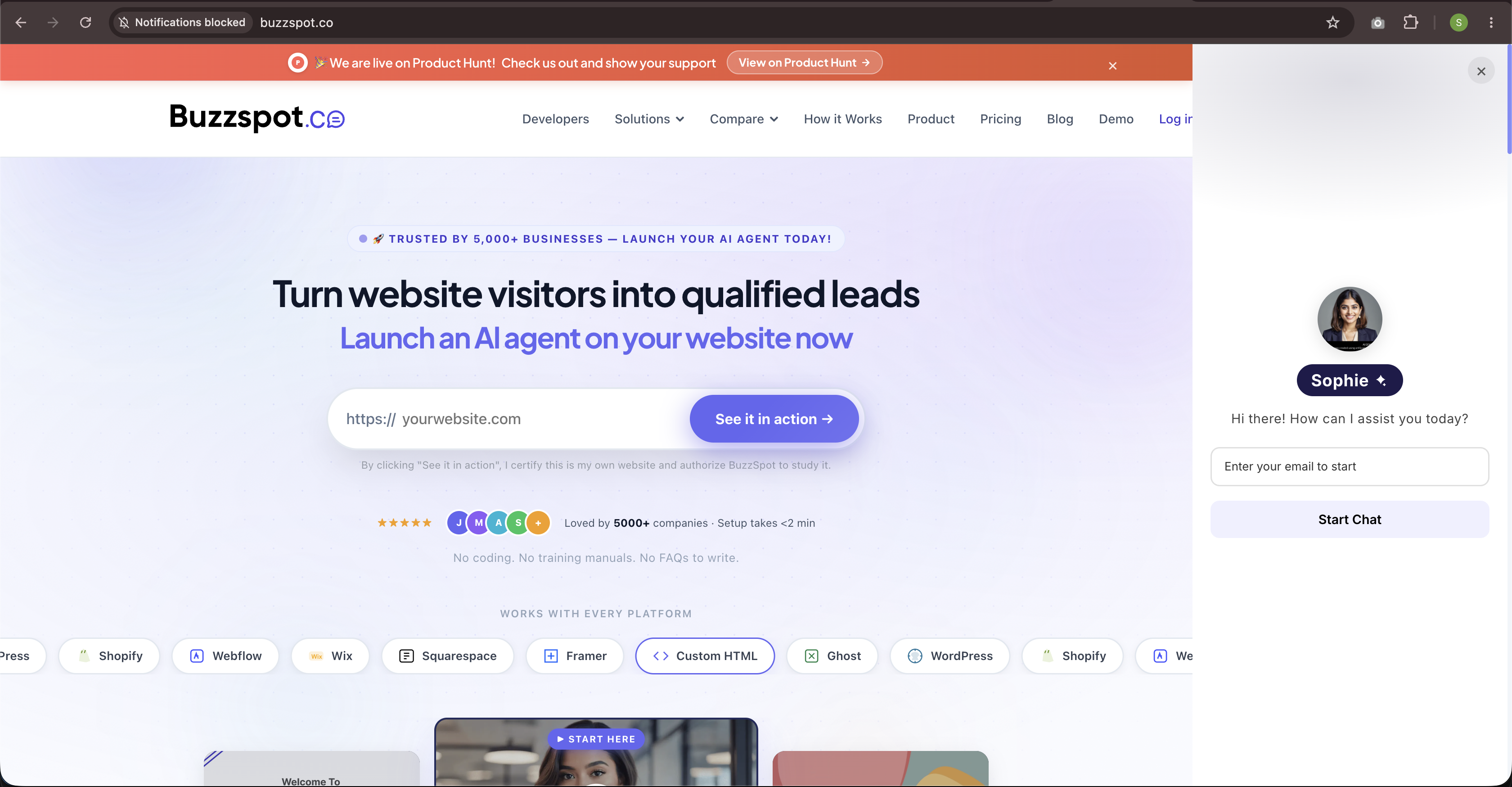
Buzzspot is an all-in-one AI Customer Support Bot and Sales Assistant that turns site visitors into customers.
With this plugin, you can seamlessly activate your Buzzspot AI Chatbot onto any WordPress website or WooCommerce store in 1 click without touching a single line of code.
Key Features
- Instant 1-Click Make Live: Click Make Live and your website content is automatically analyzed, trained, and deployed.
- WooCommerce Ready: Drive more store sales by answering product questions, offering recommendations, and resolving support queries 24/7.
- Train on Your Content: Automatic background crawler indexes your website content into a vector knowledge base.
- Lightweight & Ultra Fast: Loads asynchronously via
buzzspot.jswithout slowing down your site load times or page speed scores. - Custom Display Rules: Choose whether to display the widget on all pages, homepage only, or WooCommerce store pages.
Why Choose Buzzspot?
Unlike traditional live chat tools that require manual staffing, Buzzspot automates customer inquiries instantly with high accuracy.
External services
This plugin relies on external third-party services to power the AI customer support chatbot, process subscription upgrades, and secure payments:
-
Buzzspot AI Chatbot Script & API (https://www.buzzspot.co):
- Use: Dynamically loads
https://www.buzzspot.co/buzzspot.json the public website front-end to render the AI chat widget only if the chatbot is enabled. The plugin also communicates with Buzzspot APIs when the site owner activates the chatbot or when visitors interact with it. - Data Sent: Chat messages sent by website visitors, site URL, and your Buzzspot API key.
- Terms of Service: https://www.buzzspot.co/terms
- Privacy Policy: https://www.buzzspot.co/privacy
- Use: Dynamically loads
-
Razorpay Checkout SDK (https://razorpay.com):
- Use: Loads the Razorpay checkout script
https://checkout.razorpay.com/v1/checkout.jsonly in the WordPress admin dashboard when the site owner upgrades a subscription using Razorpay. - Data Sent: Customer email, amount, billing details, and subscription reference identifier during payment flow activation.
- Terms of Service: https://razorpay.com/terms/
- Privacy Policy: https://razorpay.com/privacy/
- Use: Loads the Razorpay checkout script
-
PayPal JS SDK (https://www.paypal.com):
- Use: Loads the PayPal smart payment buttons script
https://www.paypal.com/sdk/jsonly in the WordPress admin dashboard when the site owner upgrades a subscription using PayPal. - Data Sent: Customer email, transaction details, and PayPal subscription reference identifier upon payment confirmation.
- Terms of Service: https://www.paypal.com/webapps/mpp/ua/legalhub-full
- Privacy Policy: https://www.paypal.com/webapps/mpp/ua/privacy-full
- Use: Loads the PayPal smart payment buttons script
ئېكران كەسمىسى

ئورنىتىش
- Upload the
buzzspot-ai-chatfolder to your/wp-content/plugins/directory (or search for Buzzspot in your WordPress Admin Plugin screen). - Activate the plugin through the Plugins menu in WordPress.
- Go to Buzzspot AI in your WP Admin menu.
- Click Make Live. Your AI Assistant is automatically provisioned, trained on your site content, and activated!
FAQ
-
Where do I get my Buzzspot API Key?
-
Your API Key is automatically generated and synced when you click Make Live in WP Admin. You can also view or copy your API Key from your buzzspot.co dashboard.
-
Will this plugin slow down my website?
-
No! The script loads asynchronously (
async) directly from Buzzspot CDN, ensuring zero negative impact on your Core Web Vitals or page load performance. -
Does this work with WooCommerce?
-
Yes! Buzzspot works out of the box with WooCommerce store pages, product descriptions, cart, and checkout.
باھالاشلار
بۇ قىستۇرمىغا تېخى باھا يېزىلمىدى.
تۆھپىكار ۋە ئىجادكار
«Buzzspot AI Chat» كودى ئوچۇق يۇمشاق دېتال. تۆۋەندىكى كىشىلەر بۇ قىستۇرمىغا تۆھپە قوشقان.
تۆھپىكار
«Buzzspot AI Chat» نى تىلىڭىزغا تەرجىمە قىلىڭ
ئىجادىيەتكە قىزىقامسىز؟
كودقا كۆز يۈگۈرتۈپ، SVN خەزىنە تەكشۈرۈپ ياكى RSSئارقىلىق ئىجادىيەت خاتىرىسىگە مۇشتەرى بولغىلى بولىدۇ.
ئۆزگىرىش خاتىرىسى
1.0.0
- Initial public release.