
چۈشەندۈرۈش
This plugin addresses the need for a simple way to add HTTP headers to outbound HTTP responses in your site.
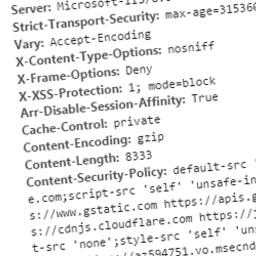
These headers can include custom ones specific to your application, or can be security related. Some you may wish to specify to protect your site may include:
- Public-Key-Pins
- Strict-Transport-Security
- X-Frame-Options
- X-XSS-Protection
- X-Content-Type-Options
- Content-Security-Policy
- Content-Security-Policy-Report-Only
Related Links
ئېكران كەسمىسى


ئورنىتىش
This section describes how to install the plugin and get it working.
- Upload the plugin files to the
/wp-content/plugins/headitdirectory, or install the plugin through the WordPress plugins screen directly - Activate the plugin through the
Pluginsscreen in WordPress - Use the Settings->Headit screen to configure the plugin
FAQ
- Can I set dynamic headers using Headit?
-
Currently Headit can only be used to add static headers to your site.
- Can I override existing headers?
-
All headers added using this plugin will not replace existing headers present in the response.
باھالاشلار
بۇ قىستۇرمىغا تېخى باھا يېزىلمىدى.
تۆھپىكار ۋە ئىجادكار

«Headit» نى تىلىڭىزغا تەرجىمە قىلىڭ
ئىجادىيەتكە قىزىقامسىز؟
كودقا كۆز يۈگۈرتۈپ، SVN خەزىنە تەكشۈرۈپ ياكى RSSئارقىلىق ئىجادىيەت خاتىرىسىگە مۇشتەرى بولغىلى بولىدۇ.
ئۆزگىرىش خاتىرىسى
1.0
- Able to set custom static response headers