

چۈشەندۈرۈش
NaviPix is a simple and secure WordPress plugin that adds the ability to attach images and SVG icons to navigation menu items.
Settings
After activating the plugin, navigate to Settings > Media in your WordPress admin dashboard. There you will find the «NaviPix Settings» section where you can disable SVG upload support and SVG sanitization if needed. This gives you full control over whether the plugin handles SVG files or leaves them to your theme or other plugins.
ئېكران كەسمىسى
ئورنىتىش
- Upload the plugin folder to the
/wp-content/plugins/directory. - Activate the plugin through the Plugins menu in WordPress.
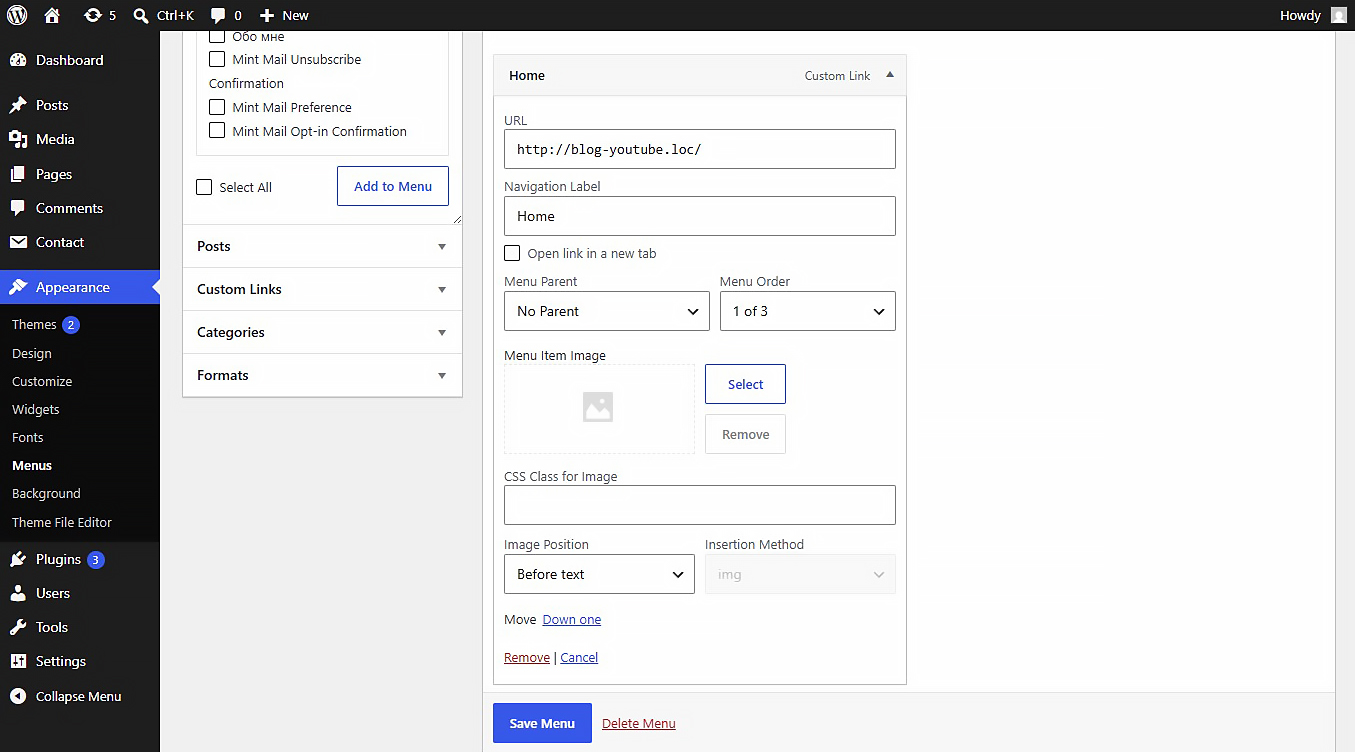
- Go to Appearance > Menus, open any menu item, and choose your image.
باھالاشلار
بۇ قىستۇرمىغا تېخى باھا يېزىلمىدى.
تۆھپىكار ۋە ئىجادكار

«NaviPix» 1 تىلغا تەرجىمە قىلىنغان. تەرجىمانلارنىڭ تۆھپىسى ئۈچۈن رەھمەت.
«NaviPix» نى تىلىڭىزغا تەرجىمە قىلىڭ
ئىجادىيەتكە قىزىقامسىز؟
كودقا كۆز يۈگۈرتۈپ، SVN خەزىنە تەكشۈرۈپ ياكى RSSئارقىلىق ئىجادىيەت خاتىرىسىگە مۇشتەرى بولغىلى بولىدۇ.
ئۆزگىرىش خاتىرىسى
1.0.0
- Initial release.